Dihedral Angles and Cis/Trans [1]
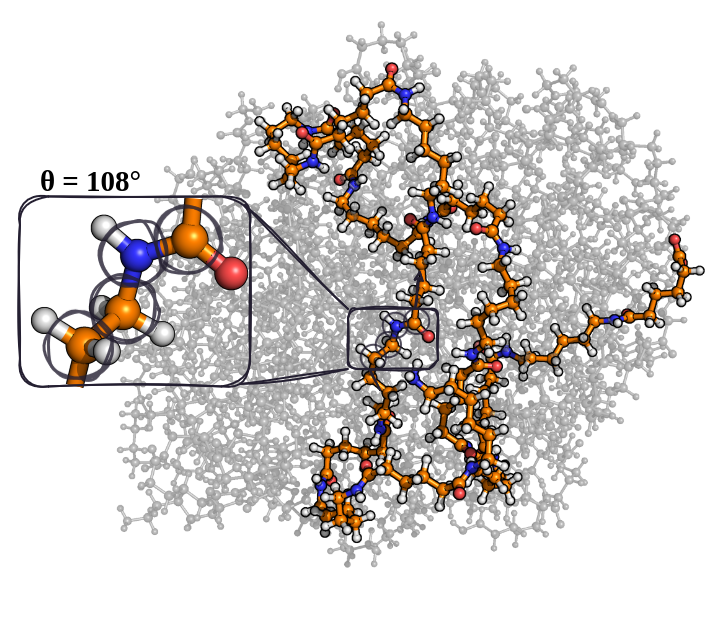
This analyzer computes dihedral angles along the backbone of each (selected) connected subgraph. The angles are rounded to integer degrees and binned into 1-degree bins.
Command Line Input
-d--dihedral--dihedral-range {abs,nonabs}abs gives 0-180 degrees (absolute angles), nonabs gives -179-180 degrees.--special-dihedralBy default, the filenames are dihedrals.csv, dihedrals_list.csv, and cisTrans.csv.
The basename for the first two files can be changed by providing the desired name after the -d or --dihedral flag.
Example
MakroLyzer -xyz polymer.xyz -d --dihedral-range nonabs
Outputs
The dihedral analyzer writes three files:
dihedrals.csv: Dihedral angle counts per frame. The first column is Angle and each additional column is Frame <idx>.dihedrals_list.csv: One row per subgraph and frame with the angle list sorted along the backbone.CisTrans.csv: Cis/trans counts per frame, plus longest consecutive cis and trans passages. Column order:Frame, Cis count, Trans count, Longest consecutive cis, Longest consecutive trans.
Cis/trans classification uses \(|\theta| \le 90\) degrees for cis and \(90 < |\theta| \le 180\) degrees for trans.